FeaturesFormats GalleryDownload PrivacySupport
Now on iOS 17+

Photo to
Voxel
in seconds

PIXVOX transforms any 2D image into a detailed 3D voxel model — no expertise needed. Export to 8 professional formats instantly.

Scroll
8+
Export Formats
~60s
Photo to Model
iOS 17+
Compatibility
0$
to Start
What is PIXVOX

Real-world objects,
voxelized

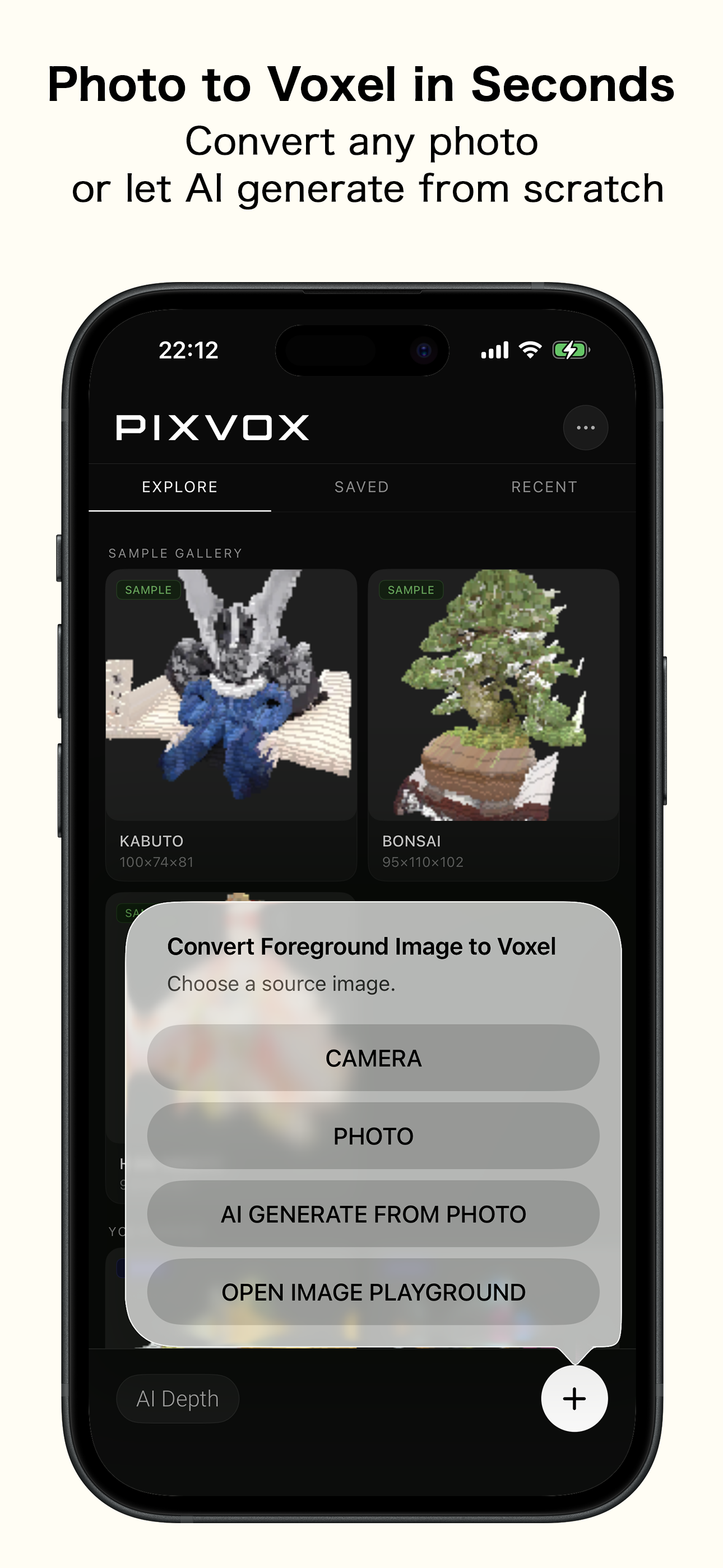
Point your camera at any object, and PIXVOX's AI-powered segmentation extracts the subject and converts it into a full 3D voxel model — the creative medium of Minecraft, pixel art, and countless indie games.

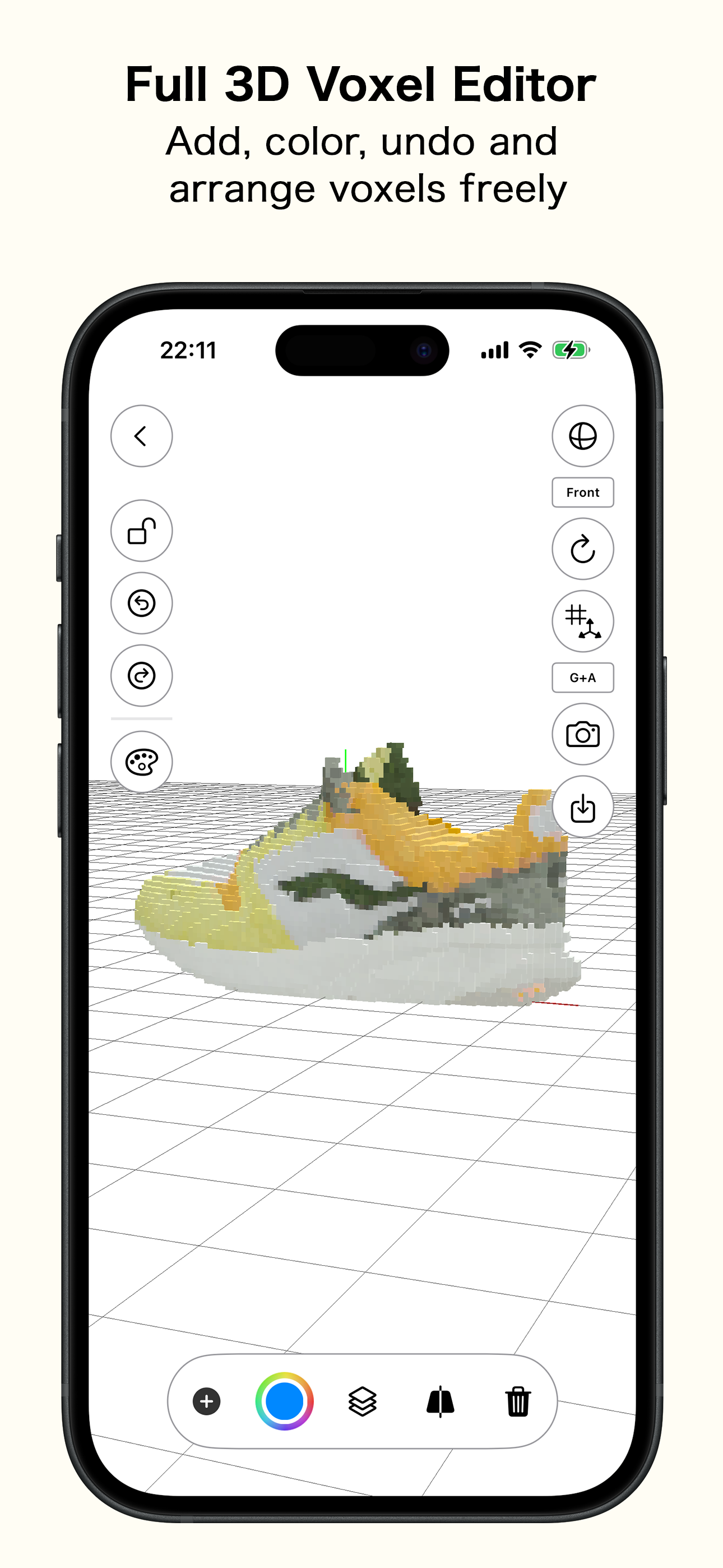
Export directly to your workflow: game engines, 3D printers, AR viewers, or MagicaVoxel. No desktop software required.

Live 3D Preview · Drag to rotate
Core Features

Built for creators,
designers & developers

Instant Voxel Creation
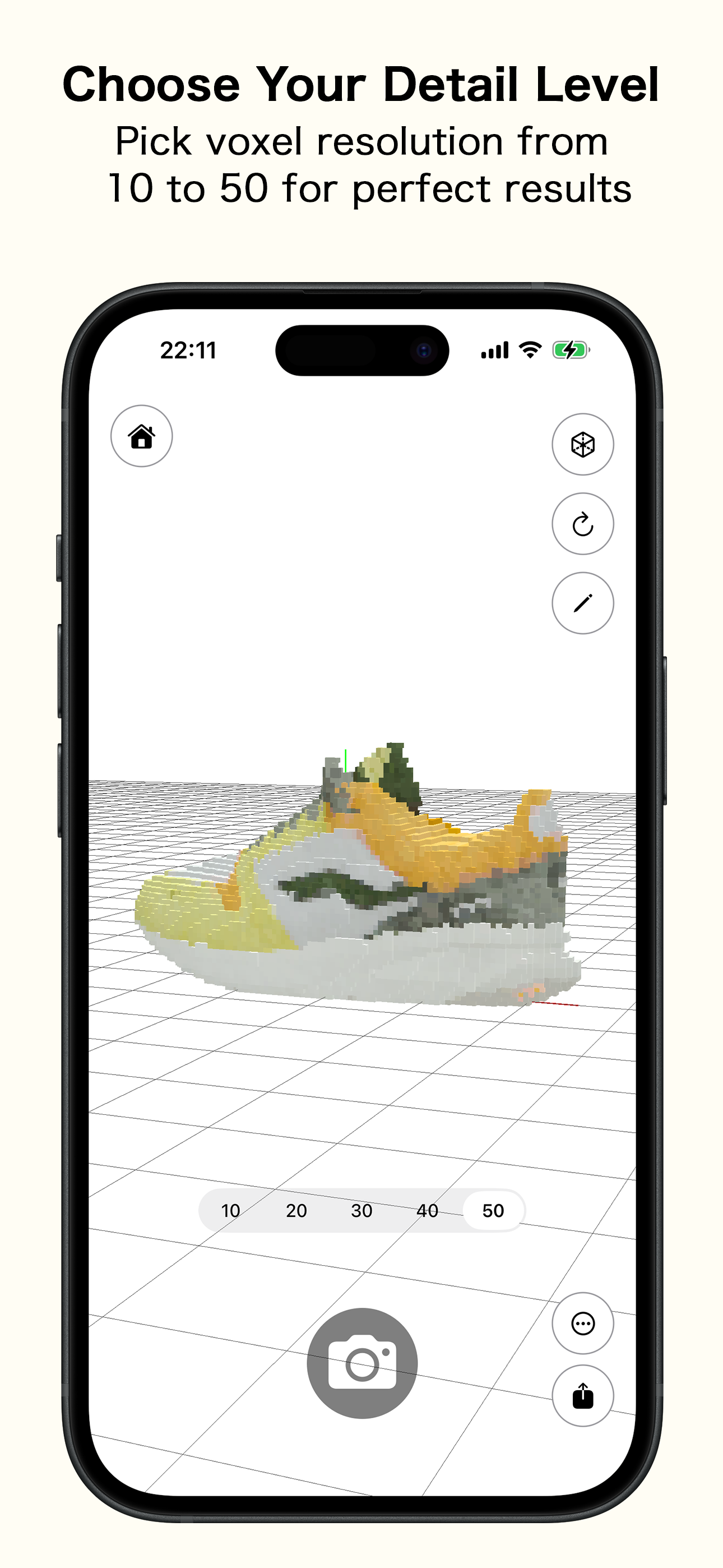
Snap a photo or import any saved image. AI segmentation isolates your subject and converts it to a detailed voxel model in under a minute.
8 Export Formats
Export to .vox, .ply, .usdz, .stl, .glTF, .dae, .fbx, and .obj. Every major pipeline covered — game dev, 3D print, AR, and more.
AR Viewer
Preview your voxel models in augmented reality using USDZ format — place your creations in the real world before exporting.
AI Segmentation
Advanced background removal powered by on-device AI. No manual masking needed — just ensure your subject is well-lit and distinct.
iPhone Native
Designed exclusively for iPhone. Optimized for iPhone 12 Pro and 15 Pro. No cloud processing — everything runs on your device.
MagicaVoxel Ready
Exported .vox files are fully compatible with MagicaVoxel, the industry-standard voxel art editor used by professionals worldwide.
In the App

See it in action

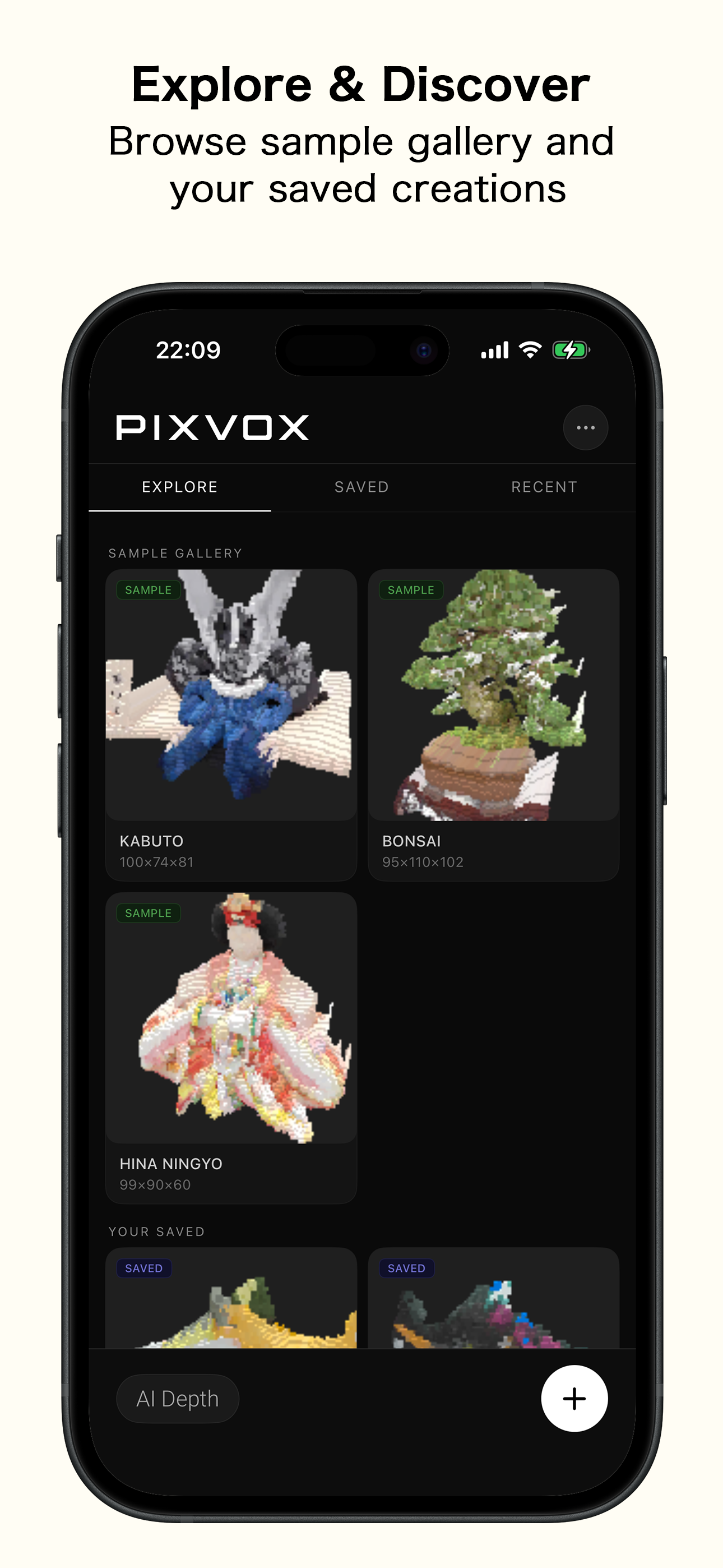
Real screenshots from PIXVOX running on iPhone.
PIXVOX screenshot 1
PIXVOX screenshot 2
PIXVOX screenshot 3
PIXVOX screenshot 4
PIXVOX screenshot 5
Export Formats

Every pipeline.
One app.

PIXVOX exports to all major 3D formats, giving you the flexibility to take your voxel creations anywhere.

.vox.ply .usdz.stl .glTF.dae .fbx.obj
Game Development
Import directly into Unity, Unreal, or Godot via .glTF, .fbx, or .obj formats.
Augmented Reality
Use .usdz to view your model in AR on any iPhone or share with QuickLook.
3D Printing
Export as .stl or .ply for direct use with any slicer software and FDM or resin printers.
Voxel Art
Open .vox files in MagicaVoxel for further editing and refinement of your voxel artwork.
Get Started

Start creating
voxel worlds

Available free on the App Store. Transform your first photo into a 3D model in minutes.

Download on theApp Store

Requires iOS 17 or later · iPhone 12 Pro or newer recommended